Centering Pivot Point and Snapping to Origin in Maya
Submitter: Joel Hofmann
In 3D modeling, it's important for models to be resting on the origin point before being exported to other steps of a work pipeline. Here is how to quickly do that.
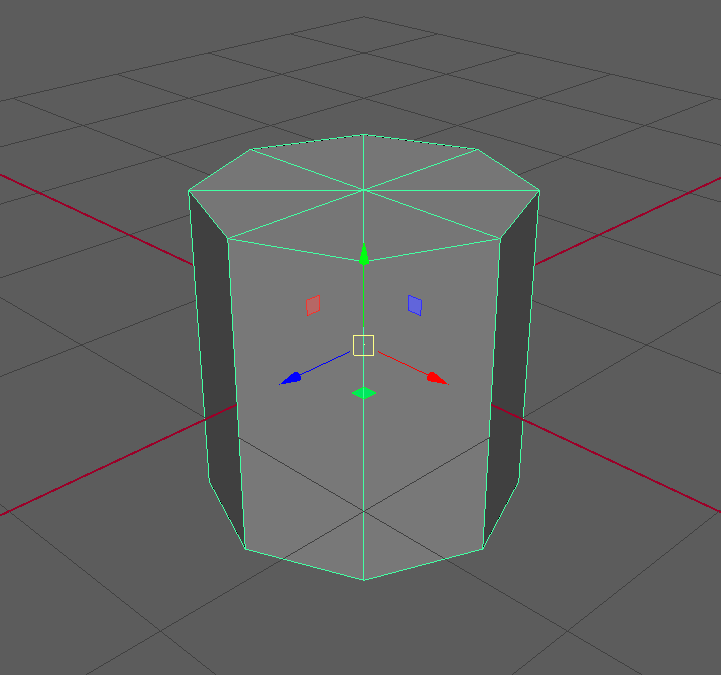
Moving the Pivot
First, select the model.
Then, hold down the D and V keys at the same time. D allows you to adjust the origin. V will snap to a point on the 3D model.
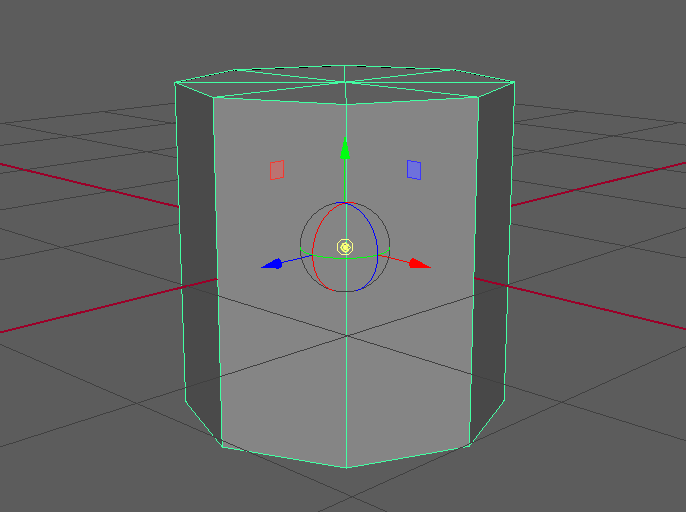
Now, with those keys held, move the pivot down to the bottom of the model.
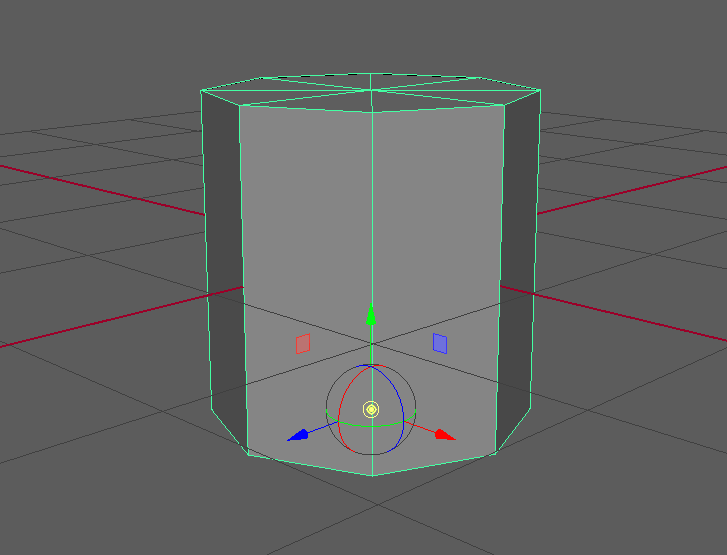
Centering The Model on the Origin
Hold down the X key; this snaps to the grid. With it held, move the model's origin to the world origin.
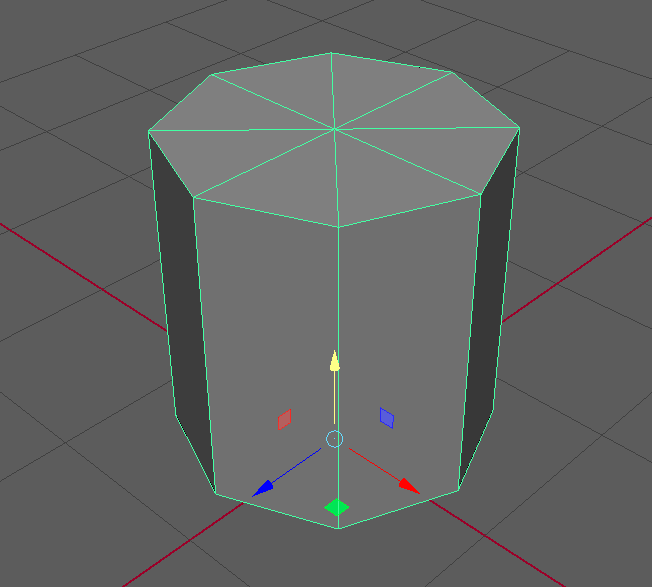
Now, your model is centered and ready to export.