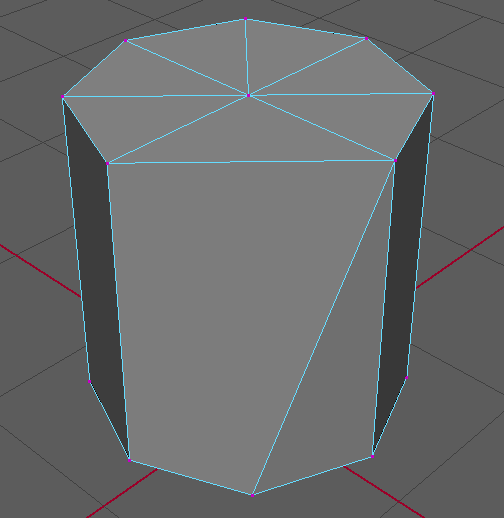
Merging Vertices in Maya
Submitter: Joel Hofmann
Merging vertices is a useful tool in 3D modeling and topology. This article will teach you one of two ways to do it.
Merging To Center
First, hold down RMB and hover over Vertex to set the object into Vertex mode.
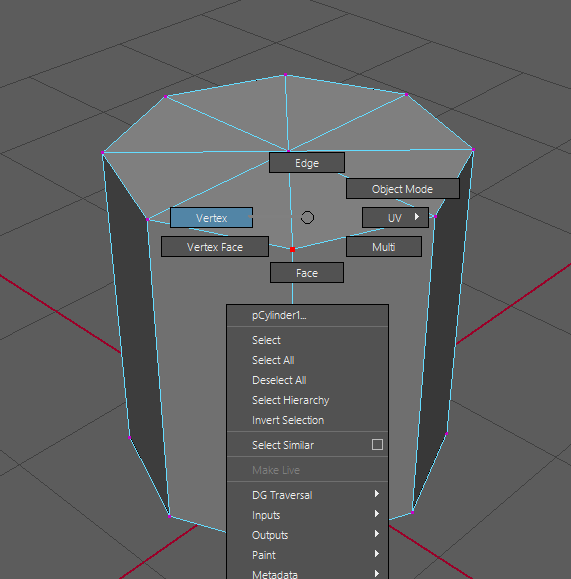
Next, select the vertices you want to merge by Shift-left clicking them.
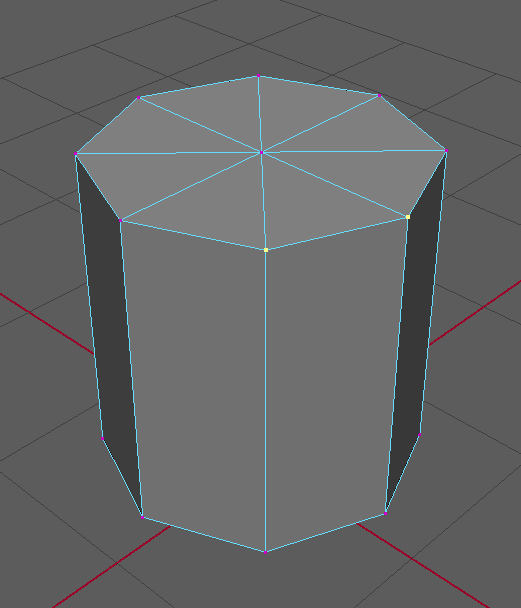
Hold Shift + RMB to pull up the context menu. At the top, you will see the Merge Vertices option.
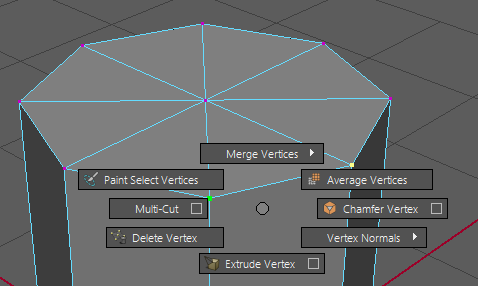
Select it, and now all vertices you selected will be combined to the center position of all of them.
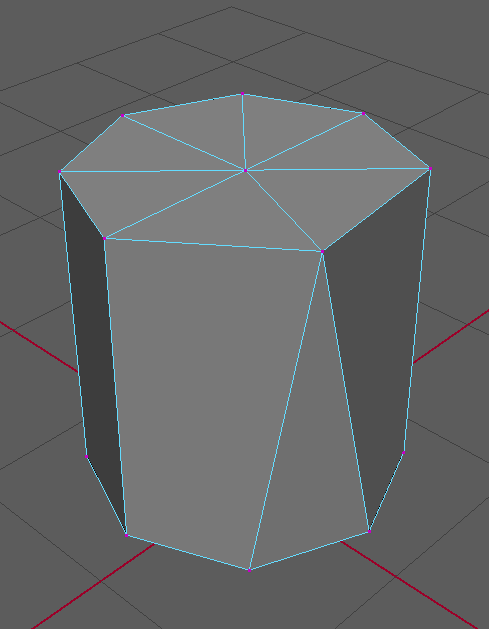
Target Weld
Sometimes, you will want to merge one vertex to another's position. This can be done with the Target Weld tool.
Select it by going to Mesh Tools > Target Weld.

Drag a vertex to a second vertex that you want to move it to.
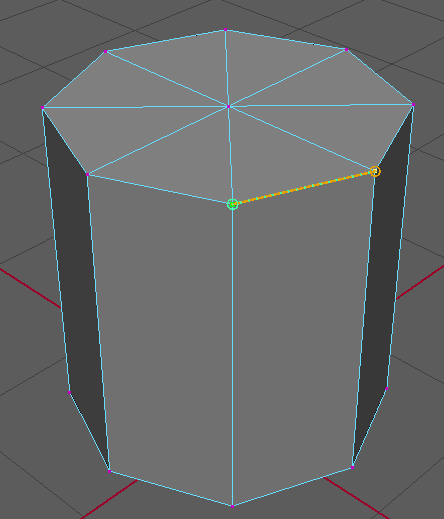
Now, both vertices will be combined at the point of the second vertex.